
The Rise of the AI Artist: More Than Just Algorithms
In late 2024, the music industry witnessed a quiet revolution. An artist named Xania Monet climbed to the top of the Billboard Adult R&B Airplay chart, her single "How Was I Supposed to Know?" resonating with millions of listeners. The twist? Xania Monet doesn't exist in the physical world. She is an AI singer.
Her success wasn't due to technical novelty alone. Listeners connected with the song's raw vulnerability—lyrics about childhood trauma and emotional neglect that were penned by a human poet, Telisha Nikki Jones. This phenomenon highlights a crucial truth for modern creators: AI is the engine, but human emotion is the fuel.
If you are a musician, content creator, or video editor, you are likely asking the same question that industry insiders are whispering: How to make a music video with AI that captures this same level of engagement?
Gone are the days when producing a high-quality music video required a five-figure budget, a film crew, and weeks of post-production. With platforms like Musid.ai, you can now unify music composition, visual design, and video production into a single, streamlined workflow.
This guide will walk you through the complete process of creating a professional, emotionally resonant music video using AI tools, blending the speed of technology with the soul of human creativity.
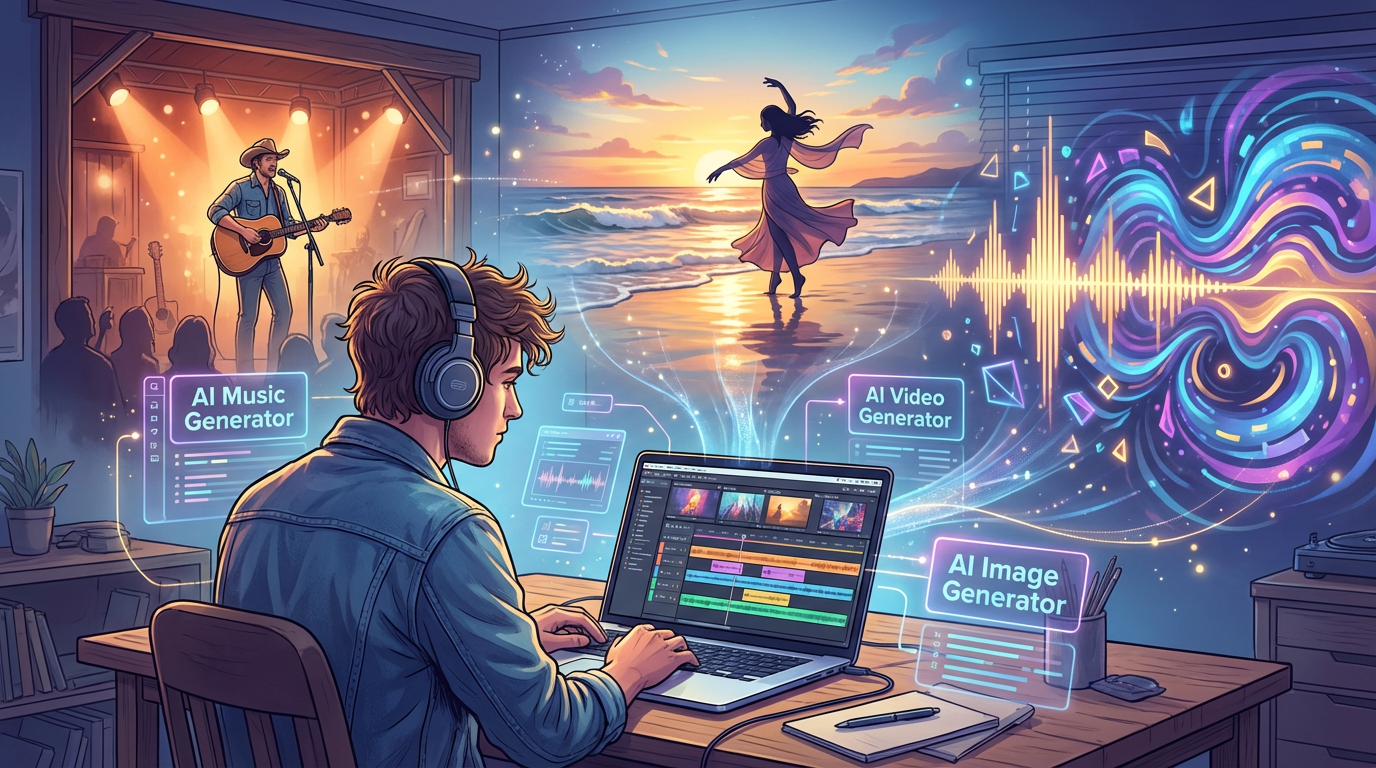
Why Use AI for Music Video Production?
Before diving into the "how-to," it's essential to understand the "why." Traditional music video production is often a bottleneck for independent artists and rapid-fire content creators.
-
Speed to Market: In the TikTok and YouTube Shorts era, consistency is key. AI allows you to move from concept to published video in hours, not months.
-
Audio-Reactivity: syncing visuals to the beat manually is tedious work. Modern AI Video Generators, like the one in Musid.ai, analyze audio stems (drums, bass, vocals) to automatically sync visual motion to the rhythm.
-
Creative Freedom: Want a country singer in a 1950s jazz bar? Or a cinematic Afro House dancer on a golden beach in Portugal? AI removes physical constraints, allowing you to "see the sound" exactly as you imagine it.
-
Cost Efficiency: You no longer need to rent locations or hire actors. You can generate consistent characters and lip-synced performances digitally.
Step-by-Step: How to Make a Music Video with AI
Creating a music video with AI isn't just about pressing a button; it's about directing a symphony of generative tools. We will use the workflow pioneered by Musid.ai, which integrates music, image, and video generation.
Step 1: The Soul – Concept and Lyrics
The Lesson from Xania Monet
The most common mistake creators make with AI is relying on it for everything. As we learned from the chart-topping success of Xania Monet, the audience connects with the story.
Before you open any software, sit down and write.
-
Define your theme: Is it a heartbreak anthem? A high-energy workout track? A lo-fi study beat?
-
Write the lyrics: Even if you aren't a professional songwriter, your personal experiences provide the emotional hook that AI cannot hallucinate on its own.
-
Plan the visual mood: Describe the lighting, the setting, and the color palette.
Pro Tip: The more specific your emotional intent, the better the AI output. "Sad song" is weak; "A slow R&B ballad about realizing you were never their first choice" is powerful.
Step 2: The Sound – Generating the Track
Tool: Musid.ai AI Music Generator
Once you have your lyrics and style defined, it's time to generate the audio.
-
Navigate to the AI Music Generator: In Musid.ai, this tool is designed for text-to-music creation.
-
Input Your Prompt: Enter your genre, mood, and tempo. For example: "Whimsical, energetic upbeat, playful style, elementary piano, female vocals."
-
Add Your Lyrics: Paste the lyrics you wrote in Step 1. This ensures the song has the narrative structure you designed.
-
Generate & Refine: The AI will compose the melody, harmony, and vocal performance. You can use these tracks as background music (BGM), podcast bumpers, or full song demos.
Note: If you already have a recorded track, you can skip this step and upload your own audio file directly into the video generator.
Step 3: The Face – Creating Visual Assets
Tool: Musid.ai AI Image Generator
A music video needs a strong visual identity. This serves two purposes: it establishes the "look" of your video and provides the assets for your thumbnail and cover art.
-
Define the Character: Consistency is vital. If your video features a singer, use the image generator to create their look.
- Prompt Example: "A country singer, rugged, 50s cowboy hat, soft ambient lighting."
-
Set the Scene: Generate images of the environment. Is it a neon-lit city or an underwater world?
-
Create the Cover Art: Use the AI Image Generator to produce high-resolution covers that match your music's vibe. This is crucial for distribution on Spotify, Apple Music, or Soundcloud.
Step 4: The Body – Generating Lip-Synced Video Clips
Tool: Musid.ai AI Video Generator
This is the most technically complex part of traditional production, but Musid.ai handles it with its "Audio Reactivity & Beat Sync" engine.
-
Select Your Audio: Use the track you generated in Step 2 or upload your own.
-
Lip-Syncing: If your track has vocals, Musid.ai’s engine will analyze the phonemes and animate the character’s mouth to match the lyrics perfectly. This "lip-synced video synthesis" is what separates a static slideshow from a true music video.
-
Audio Reactivity: The AI analyzes the stems of your track.
-
Bass/Drums: The camera or visual effects can pulse with the kick drum.
-
Rhythm: Cuts and scene transitions can be automated to hit on the beat.
-
-
Director-Level Control: Use features like Motion Brush or specific camera movement prompts (e.g., "smooth pan," "slow dolly zoom") to direct the action.
- Prompt Example: "Cinematic Afro House music video... warm golden tones, lens flares... smooth pans, slow dolly."
Step 5: The Final Cut – Stitch and Publish
Workflow: Download & Assemble
Musid.ai is designed to be a modular studio. Instead of generating one long, uncontrollable 3-minute video, it generates high-quality short clips (typically 3-5 seconds or longer loops) that you can assemble.
-
Download Your Assets: Export your music track, your generated video clips, and your cover art.
-
Stitch Locally: Import the clips into your favorite editor (Premiere, CapCut, DaVinci Resolve). Because the clips were generated with audio-reactivity, they will naturally snap to the rhythm of the track.
-
Final Polish: Add your color grading or typography.
-
Publish: Upload to TikTok, YouTube Shorts, or Instagram Reels. Since you have the cover art from Step 3, your package is ready for social sharing immediately.
Advanced Features for Professional Results
To truly master how to make a music video with AI, you should leverage the specific features that distinguish professional tools from toys.
Audio-Reactive Visuals
The difference between a "screensaver" and a music video is the connection between sight and sound. Musid.ai’s engine listens to the frequency and loudness of your track. When the bass drops, the visual intensity should spike. This mimics the work of a professional VJ or editor who manually keyframes effects to the beat.
Character Consistency
One of the biggest challenges in AI video is "flicker" or identity loss—where a character looks different in every shot. Musid.ai utilizes advanced models (like Nano Banana Pro) to ensure that your "rugged country singer" looks the same in the close-up lip-sync shot as he does in the wide shot with the band.
Genre-Specific Prompting
Different genres require different visual languages.
-
Electronic/Dance: Focus on "fast cuts," "neon colors," "strobe effects," and high motion reactivity.
-
Country/Folk: Focus on "warm lighting," "acoustic textures," "slow pans," and narrative storytelling.
-
Hip-Hop: Focus on "low angles," "fisheye lens," "performance shots," and specific style elements (e.g., "90s crunk aesthetic").
Case Study: The Future of Music Video Creation
The success of Xania Monet proves that the market is ready for AI-generated artists. However, the key takeaway isn't to replace humans, but to empower them.
Telisha Nikki Jones, the creator behind Xania, wasn't a professional singer or video producer. She was a poet with a story. AI tools gave her the voice and the visuals to share that story with the world.
Musid.ai is built for this exact workflow. It is an "Instant MV Starter Kit" that hands you the microphone, the camera, and the editing suite all at once. Whether you are an indie musician like Lena Park, who needs to drop content daily to stay relevant, or a creative director like Sofia Garcia, who needs to visualize concepts for clients rapidly, the tool adapts to your needs.
Frequently Asked Questions
Q: Can I use my own voice or music track?
A: Yes. While Musid.ai has a powerful AI Music Generator, many creators use the AI Video Generator solely for visuals. You can upload your own track, and the AI will analyze the BPM and stems to generate lip-synced, beat-synced video clips.
Q: What is audio-reactive video?
A: Audio-reactive video means the visuals change dynamically based on the audio's properties—frequency, loudness, and tempo. Musid.ai analyzes the drums, bass, and vocals to ensure the video "moves" with the music.
Q: Is the content copyright-free?
A: Generally, yes. You can download and use the generated content for social posts, demos, or commercial projects. However, always check the specific terms of service regarding the generated assets and ensure your input lyrics/prompts do not infringe on existing copyrights.
Q: How is this different from tools like Suno or Runway?
A: Suno specializes in music generation; Runway specializes in video. Musid.ai unifies the stack. It combines music generation, image creation, and lip-synced video synthesis into one platform, specifically optimized for music video workflows. It saves you from "hopping" between three different subscriptions.
Conclusion
Learning how to make a music video with AI is no longer a futuristic skill—it is a present-day necessity for creators who want to keep up with the speed of culture.
The barrier to entry has never been lower, but the ceiling for creativity has never been higher. By combining your unique human stories with the generative power of Musid.ai, you can produce broadcast-ready music videos from your bedroom.
Don't just listen to the future of music. See it.
Ready to create your first audio-reactive masterpiece?
Start for Free at Musid.ai and turn your lyrics into a visual reality today.