the climactic chorus
Image to Video
See the sound, hear the vision
Turn your song into an AI music video with MUSID. Upload audio, plan a storyboard, generate scene images and video clips, then review and merge your takes. Create music visuals for YouTube, TikTok, and Reels.
Start with a short scene · Review before generating more
Create a lower-cost video from a prompt, with native audio included.
Enter at least 3 characters to continue.
Discover amazing AI-generated music, videos, and images from creators worldwide
Product Intro
MUSID is an AI music video platform for independent musicians and content creators. Its Video Agent helps turn an uploaded song into a sequence of scenes; separate tools generate music, images, and short video clips.
Upload a track you have permission to use, or create music from a prompt or your own lyrics in the music generator.
Use Video Agent to develop a storyboard, review scene prompts, and generate reference images before making video takes.
Generate reference images, album artwork, and thumbnails. Reuse visual references to guide the look of your project.
Check each take, regenerate scenes as needed, and merge them with your audio. Use Studio when you want to adjust the sequence on a timeline.
Build a multi-scene music video with Video Agent, or create individual music, image, and video assets. Model settings and generation costs vary by tool.
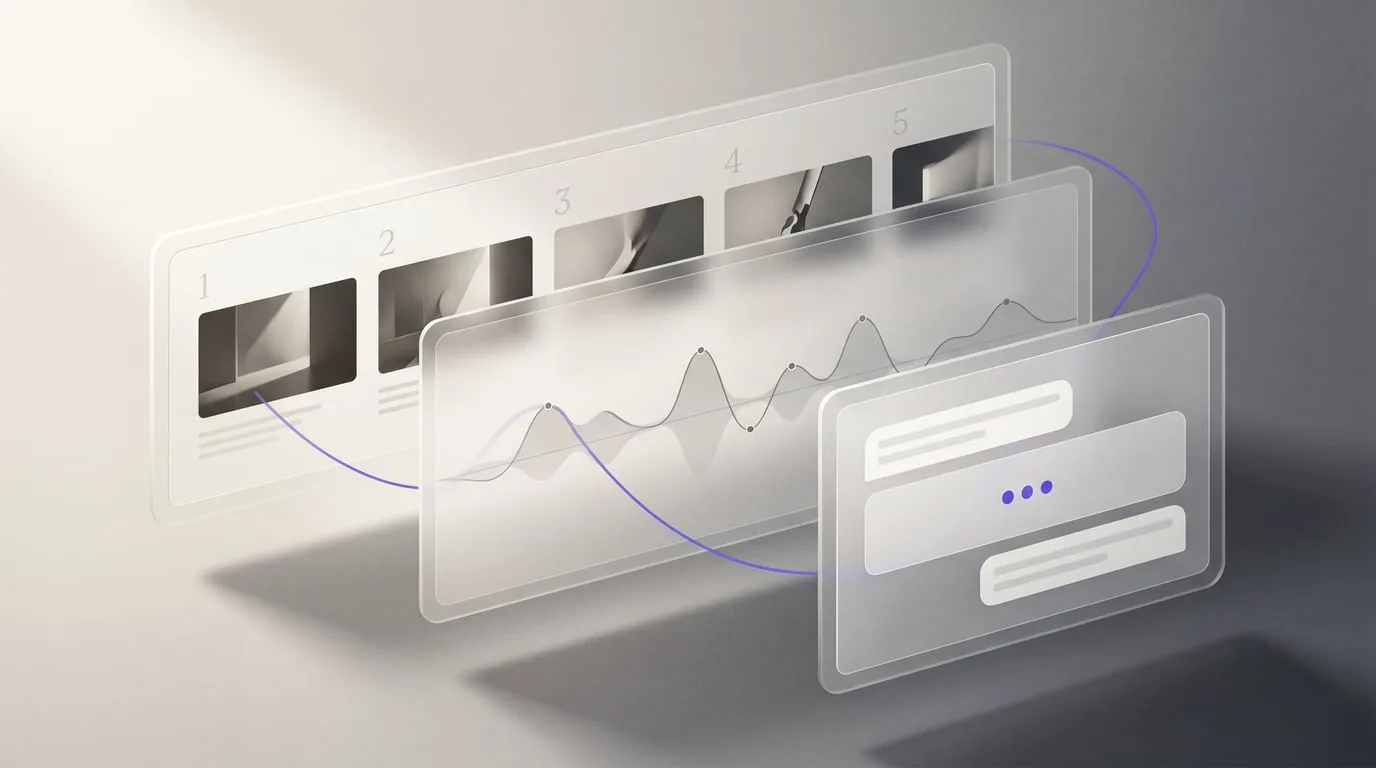
Upload your song, describe the visual direction, and build a storyboard. Review reference images and scene takes before merging the video.
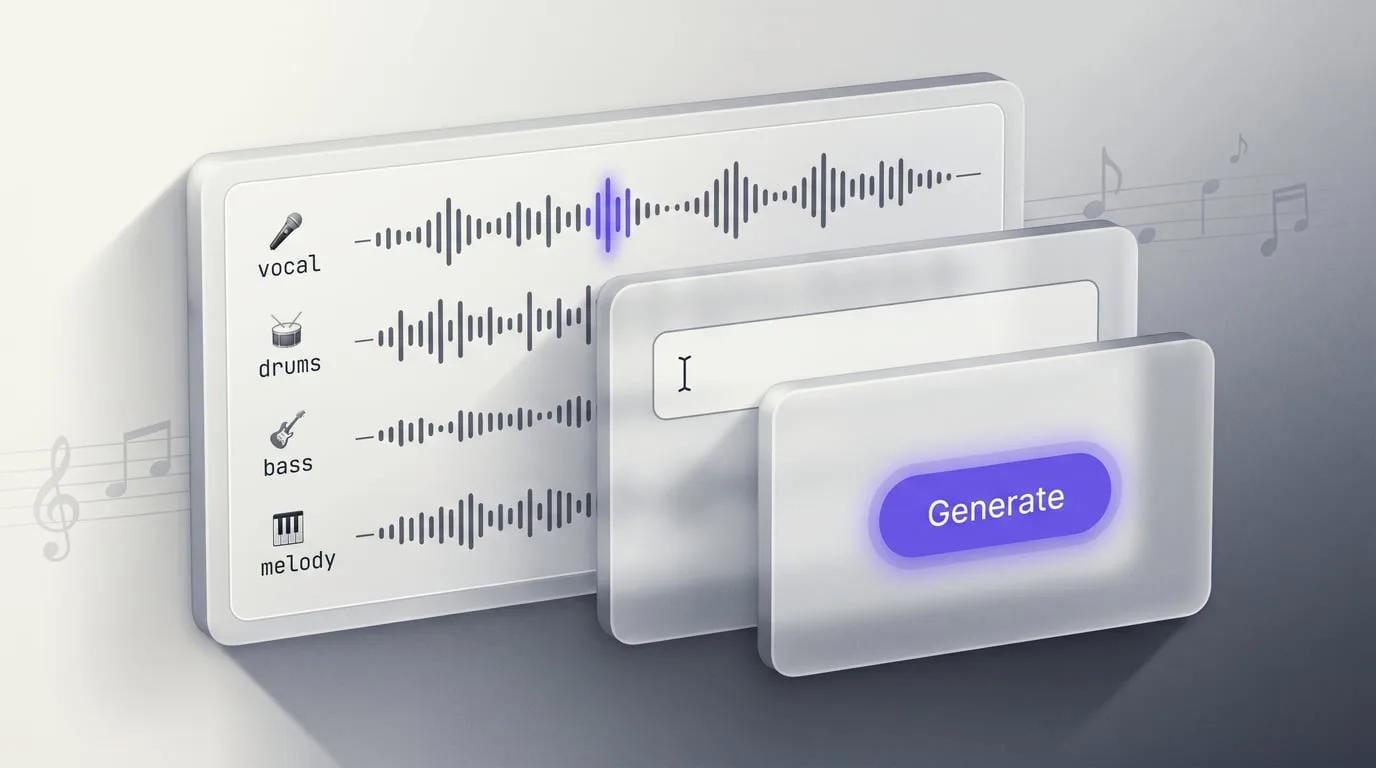
Generate songs from a description or custom lyrics. Describe the genre, mood, instruments, and vocal style you want to explore.
Sopro do Sol
MUSID.AI Demo
Create album covers, thumbnails, character references, and scene images to use in a music video project.
Generate short clips from text or supported visual references. Choose a model and its available duration, resolution, and aspect ratio.
Start with a short section of your song to test the visual direction before generating a longer project.
Add your track, select the section you want to use, and describe the subject, setting, and style. Choose the available project settings.
Review the planned scenes and their prompts. Generate reference images to check composition and character appearance before creating video.
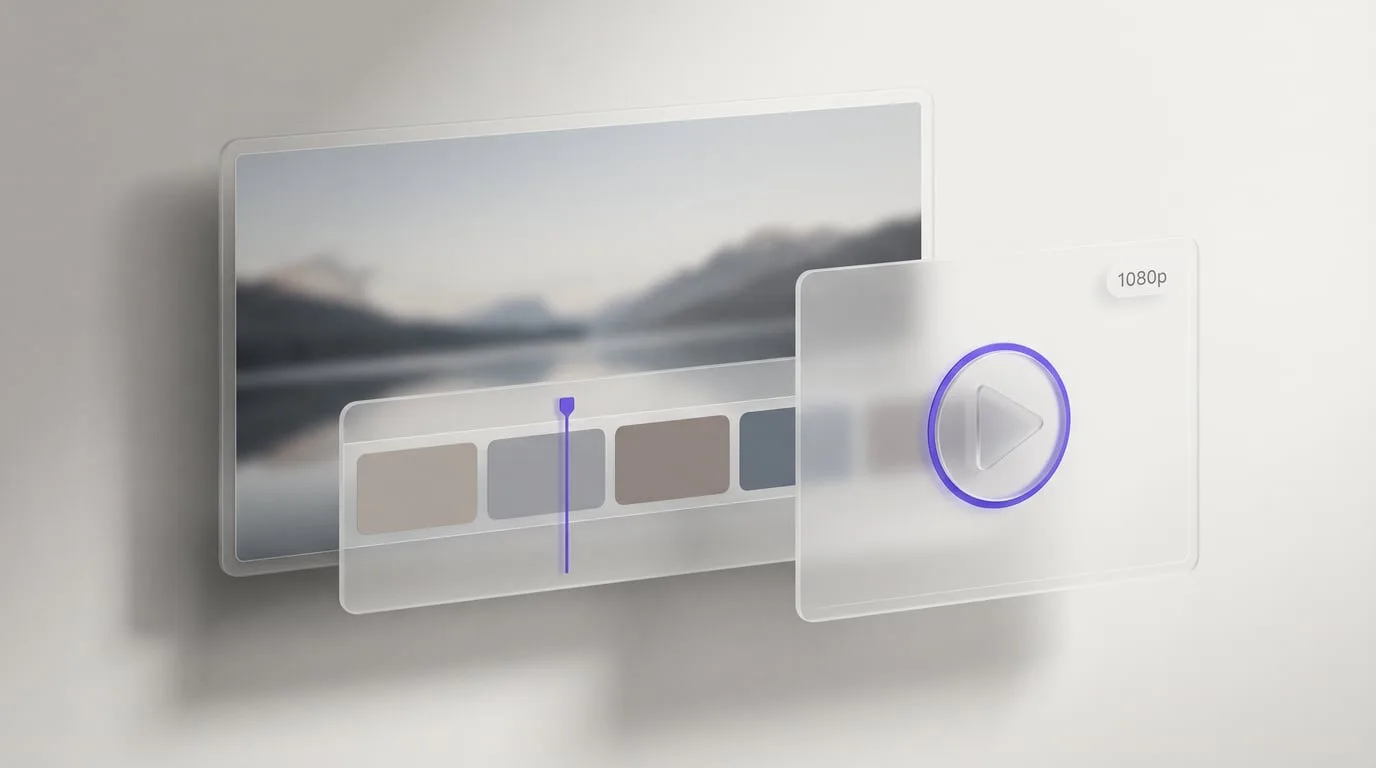
Generate video takes and watch them with your audio. Check motion, faces, and timing; revise prompts or regenerate scenes that need work.
Merge the scene clips with your track, then watch the whole video before publishing. Open Studio if you want to rearrange or trim your clips.
A song visualizer, a singing portrait, and a multi-scene video need different inputs. Choose a workflow based on what you want to make.
Use Video Agent when you already have a track and want a storyboard with multiple generated scenes. You can work with a selected section or the full audio.
Use AI Video Generator to test a visual idea or create individual clips. Choose a supported vertical format for TikTok, Reels, or Shorts.
Talking Avatar takes a portrait image and an audio recording to generate a performance clip. Preview mouth movement and expression before using it in a release.
Use the music generator with custom lyrics and a style description. Review the generated track before using it as the basis for a video.
Create images first when composition or a recurring character matters. References guide the result, but identity and details can still vary between takes.
Bring video clips and your audio into the browser editor. Arrange and trim clips, preview the sequence, and export the assembled video.
Keep creative decisions visible as your music video takes shape.
Storyboard and scene prompts
Reference images and video takes
Preview, revise, and merge
Learn how to prepare a song, choose a workflow, and review generated scenes.
Answers about song uploads, video workflows, credit costs, lip sync, and publishing.
MUSID is an AI music video platform for musicians and content creators. Video Agent helps turn a song into a storyboard, reference images, and video clips that you can review and merge. The platform also has separate music, image, video, and Talking Avatar tools.
Start with a short scene, review the result, and build your music video from there. Compare plans and credits before a longer project.