
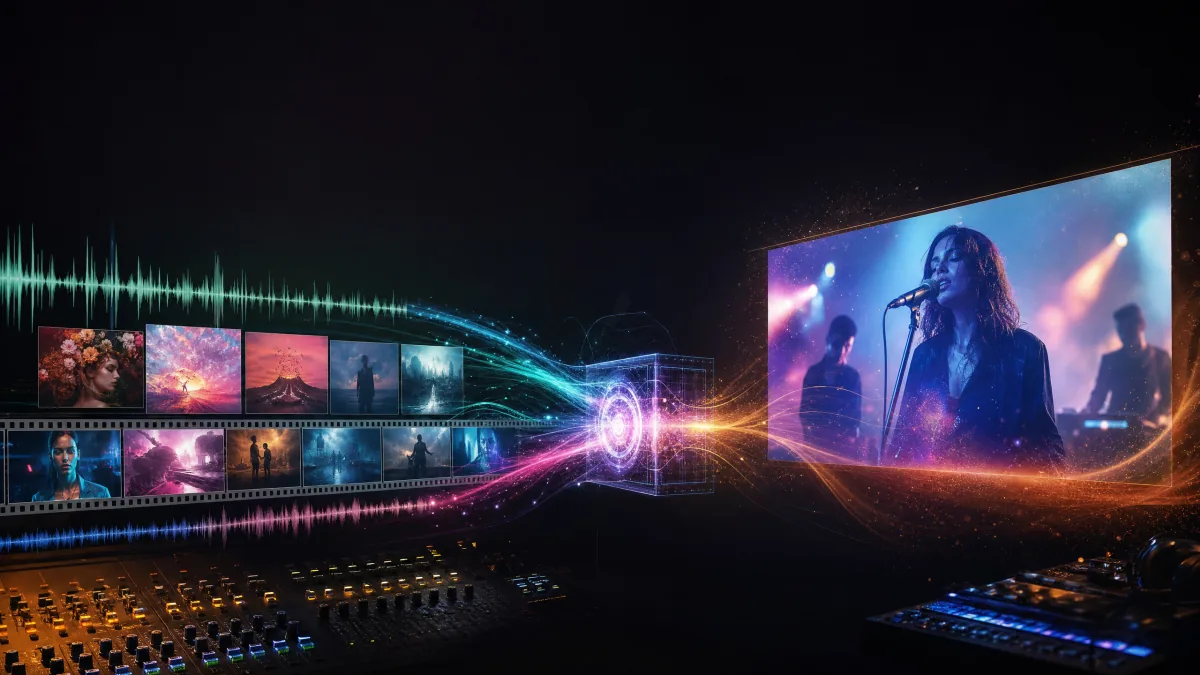
Google's Gemini Omni announcement matters for music video creators because it points at a more practical way to direct AI video. Instead of treating video generation as a single text prompt, Gemini Omni is designed around combined inputs: text, images, existing video and audio references. Google describes the first model, Gemini Omni Flash, as starting with video generation and conversational video editing, and Musid.ai now exposes Gemini Omni Video through the AI Video workflow.
For music videos, that shift is important. A music video is never just a moving image. It is a song, a lyric structure, a performer identity, album artwork, pacing, camera language and platform format all working together.
What Gemini Omni Adds to the AI Video Conversation
The core promise of Gemini Omni is not simply "better video." It is video creation that can reason across references. Google's DeepMind model page highlights three ideas that map directly to music video production:
- Conversational editing. A generated or captured clip can become a draft. You can ask for a different camera angle, style, lighting setup or action without starting over.
- Reference anything. Images, text, video and audio references can help the model build a more cohesive output.
- World knowledge and physics. Scenes are meant to follow real-world logic more closely, which is useful when music videos need movement, performance and environment changes to feel intentional.
This is a different mental model from older prompt-only workflows. Instead of writing one perfect prompt, creators can build a music video through a series of directed revisions.
Why This Is Useful for Music Video Generation
AI music videos fail when the image ignores the song. A clip may look cinematic but still feel wrong if the energy does not match the vocal, the character changes between shots or the chorus has no visual lift. Gemini Omni's multimodal approach suggests a better workflow.
1. Audio Can Become a Creative Reference
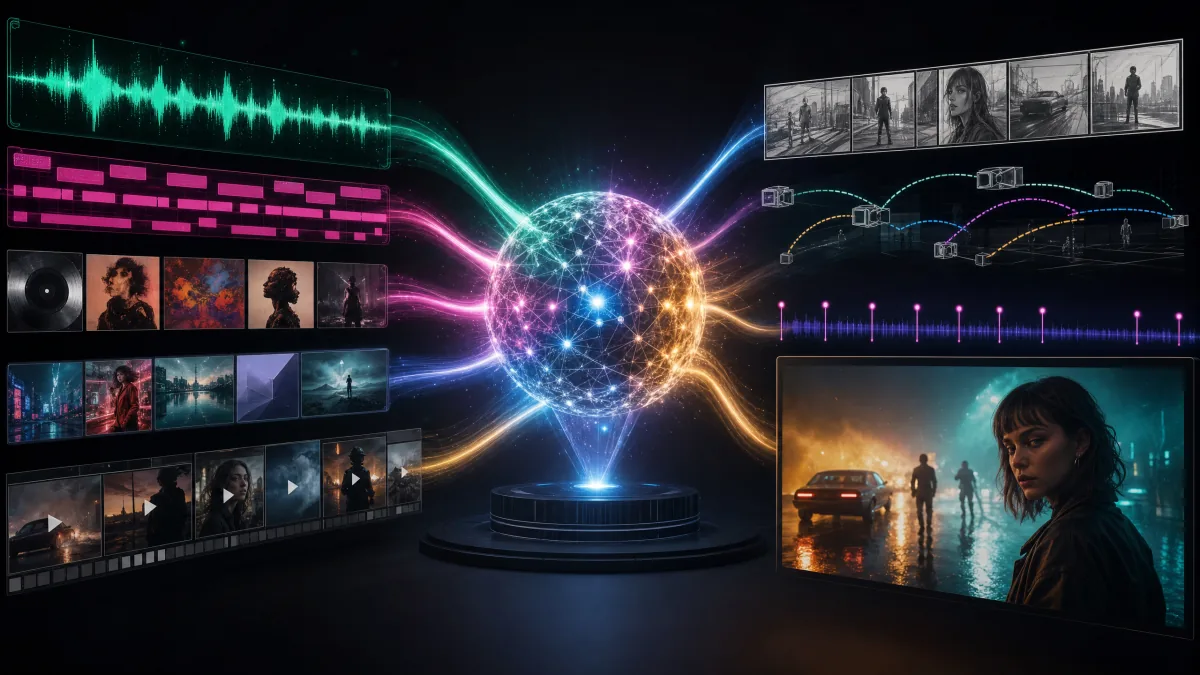
Google's examples include video changes synchronized with music. For music video tools, this unlocks a clearer direction: the audio track should influence motion, lighting, cuts and visual intensity. The practical goal is not just "generate a city at night." It is "make the scene open up when the chorus hits."
2. Album Art Can Become a Moving World
Many artists already have strong visual identity in their cover art. A multimodal video model can use that artwork as a style and composition reference, then extend it into a moving scene. That is especially useful for Spotify Canvas loops, TikTok release teasers and YouTube Shorts.
3. Characters Can Stay More Consistent
Music videos often depend on a performer, avatar or fictional character. Reference-based editing can reduce the gap between shots: same face, same outfit, same lighting language, same world. That matters more for music videos than for isolated AI clips.
4. Revisions Become Natural
The biggest production advantage may be iteration. A creator can make a draft, then ask for changes: stronger backlight, tighter close-up, slower camera movement, more surreal visual effect, less busy background. This is closer to directing than prompting.
A Practical Gemini Omni Music Video Workflow
Here is how a Gemini Omni-style workflow could fit into a music video pipeline:
- Upload or select the song.
- Analyze lyrics, BPM, structure and emotional sections.
- Add references: cover art, artist portrait, mood board or previous footage.
- Generate short clips for intro, verse, chorus and bridge.
- Use conversational editing to refine each shot.
- Assemble the final video for 9:16, 1:1 or 16:9 release formats.
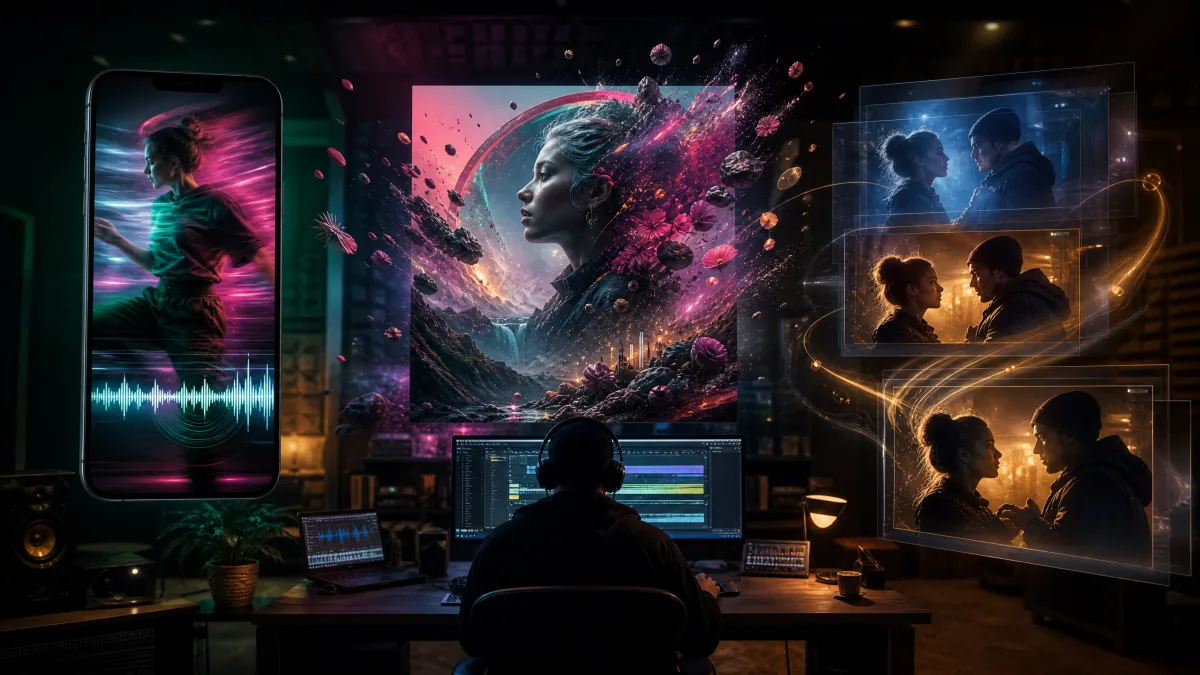
This is the kind of workflow Musid.ai is building toward. The current Musid.ai stack already focuses on song-aware video creation through the AI Video Generator and Music Video Agent. Gemini Omni Video now becomes a model option for short multimodal clips, while the agent remains the layer for song analysis, storyboarding and final assembly.
Current Limits to Keep in Mind
Gemini Omni is still early. Google says Gemini Omni Flash starts with video and conversational editing, while output modalities beyond video will arrive over time. In Musid.ai, the first production connection focuses on Gemini Omni Video for text prompts, image references and optional video input. Audio ID and character ID flows should be treated as staged capabilities until they are stable in product UI.
That means creators should treat Gemini Omni as a powerful direction for the market, not as a drop-in production dependency everywhere today. Responsible video generation also matters: Google says Omni content includes SynthID watermarking and C2PA Content Credentials in supported surfaces.
What Musid.ai Will Do with This Direction
Musid.ai's goal is not to expose a raw model selector and leave creators to figure everything out. For music video creation, the model is only one layer. The product workflow still needs:
- song structure analysis
- lyric-aware scene planning
- character and cover-art references
- storyboard control
- platform-specific exports
- revision history and clip assembly
That is why the Gemini Omni model page now opens directly with Gemini Omni Video in the AI Video generator. It fits inside a music-first workflow rather than replacing the creative process.
Final Take
Gemini Omni is exciting because it makes AI video feel less like a one-shot generator and more like an editable creative session. For music video creators, that is the difference between making random beautiful clips and directing a visual performance that actually follows the song.
Creators can try Gemini Omni Video from the AI Video Generator, or use the Music Video Agent to turn a song into a planned, beat-aware music video workflow.